

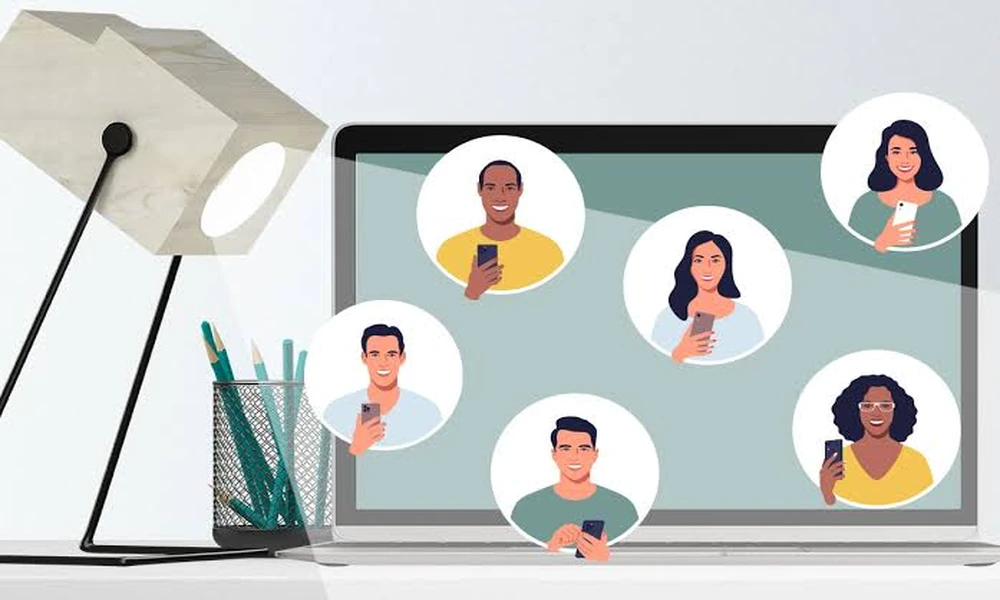

A company’s online platform shapes how visitors view its brand and employees. Employee portraits introduce the individuals behind the brand. When photographs vary in style, background, and lighting, the website may appear inconsistent. Using a shared photography style creates a more polished presentation.
Achieving that unified look across an entire organisation can be challenging, particularly when remote employees or different departments submit their own images. While arranging traditional studio sessions for everyone is often costly and time-consuming, modern digital solutions and resources like ai-headshots-for-b2b.mystrikingly.com demonstrate how businesses can align their visual standards more efficiently. Establishing clear guidelines early ensures that every team member’s portrait reinforces credibility and builds trust with prospective clients.
Establish a Common Photography Style
Before collecting employee photographs, decide how the entire team should be represented. Choose a visual style that suits the company’s brand identity and professional environment.
For example, a corporate organisation may prefer formal portraits with neutral backgrounds, while a creative agency might choose a more relaxed presentation. Whatever style you select, apply the same guidelines across all departments to maintain visual harmony.
Use Similar Backgrounds and Lighting
Backgrounds and lighting have a significant influence on how employee photographs appear. Mixing outdoor pictures, office selfies, and studio portraits can create noticeable differences across a team page.
Choose a consistent background, such as a plain wall, neutral studio setting or company office environment. Maintain similar lighting conditions to ensure that faces are clearly visible without harsh shadows or excessive brightness.
Maintain Consistent Framing and Dimensions
The position and size of each photograph should follow a standard format. Some employees may submit close-up portraits, while others provide full-body images. Using different framing styles can make a team directory appear uneven.
Set clear guidelines for image dimensions, head positioning, and cropping. Square or portrait-oriented photographs are commonly used for employee profile sections. Use the same display size throughout the website for a balanced layout.
Choose Appropriate Clothing Guidelines
Employee clothing contributes to the overall appearance of team photographs. Businesses should provide simple dress recommendations based on their industry and workplace culture.
Formal shirts, business suits, or smart casual outfits may be suitable depending on the company’s identity. The aim is not to make everyone look identical but to maintain a professional standard across the team.
Consider AI Headshot Tools
AI headshot generators can help businesses create visually similar employee portraits, particularly when workers are based in different locations. Employees can upload suitable photographs, and the software can generate images with selected backgrounds, clothing styles, and lighting.
Before using these services, check their privacy policies and obtain employee permission. Review every generated image carefully to ensure that facial features remain accurate and recognisable.
Optimise Photos for Website Performance
Make sure image files are properly sized so they do not affect page loading speed. Resize images according to the website layout and use suitable file formats, such as WebP or JPEG, depending on your content management system.
Use descriptive file names and appropriate alternative text for accessibility. Also, check how team photographs appear on mobile phones, tablets, and desktop screens.
Keep Employee Photos Updated
Team pages should reflect the current workforce. Establish a process for collecting photographs from new employees and replacing outdated images when necessary. This keeps the website accurate and maintains a consistent presentation as the organisation grows.
